
Blue Archive PC: Download Options and System Requirements
Play Blue Archive PC through Steam or Nexon's Windows download. Compare system requirements, supported languages, and mouse controls before you install.
Jump to
Can You Play Blue Archive on PC?
Blue Archive PC brings Kivotos to Windows, with downloads available through Steam and Nexon. Before downloading, check two requirements that can stop you from getting started: a 64-bit operating system and 19 GB of available storage. The Steam version launched on July 3, 2025, and is free to play with in-app purchases.
You can get the game through the Blue Archive Steam page or access its Windows download through Nexon. The desktop release supports Windows; native macOS and Linux versions are not available.
NEXON Games develops the game, and NEXON Korea publishes it. Alongside the Windows release, Blue Archive is also available for iOS and Android.
If you're choosing between download options, compare the requirements for the version you intend to install. Steam recommends Windows 11, while Nexon's Windows requirements specify an updated, 64-bit version of Windows 10 or later.
Windows System Requirements
The minimum hardware requirements include 4 GB RAM, a GeForce GTX650Ti, and 19 GB of available storage. Check the processor and graphics card alongside your operating system before starting the download.

| Component | Minimum requirement |
|---|---|
| Operating system | Windows 10, 64-bit |
| Processor | Intel Core i3 - 540 3.06 GHz |
| Memory | 4 GB RAM |
| Graphics | GeForce GTX650Ti |
| DirectX | Version 11 |
| Storage | 19 GB available space |
| Audio | Windows Compatible Audio Device |
A 64-bit processor is also required. Both the processor architecture and the operating system need to meet that requirement.
For the Steam version, Windows 11 is the recommended operating system. Keep the minimum hardware requirements in mind even when your computer runs the recommended Windows version.
Nexon's recommended configuration uses the same processor, memory, graphics, DirectX, storage, and audio requirements as its minimum configuration. Its operating system requirement also stays the same: Windows 10 or later, 64-bit, with the latest update.
Mouse Controls, Languages, and Audio Options
The Steam version includes a mouse-only option, so mouse input is a supported way to play. That makes it a useful detail to check if you prefer managing your squad and navigating menus with a mouse.

Supported languages are:
- English
- Traditional Chinese
- Thai
- Korean
Korean includes full audio support. The game also offers subtitle options, custom volume controls, and stereo sound.
Use the subtitle and volume options to adjust how you follow the story and hear the action. These features are particularly relevant in a game that moves between dialogue, animated scenes, and tactical battles.
The Steam release supports single-player play and Family Sharing. Its genres span adventure, casual, RPG, and strategy, alongside its free-to-play model.
What to Expect in Kivotos
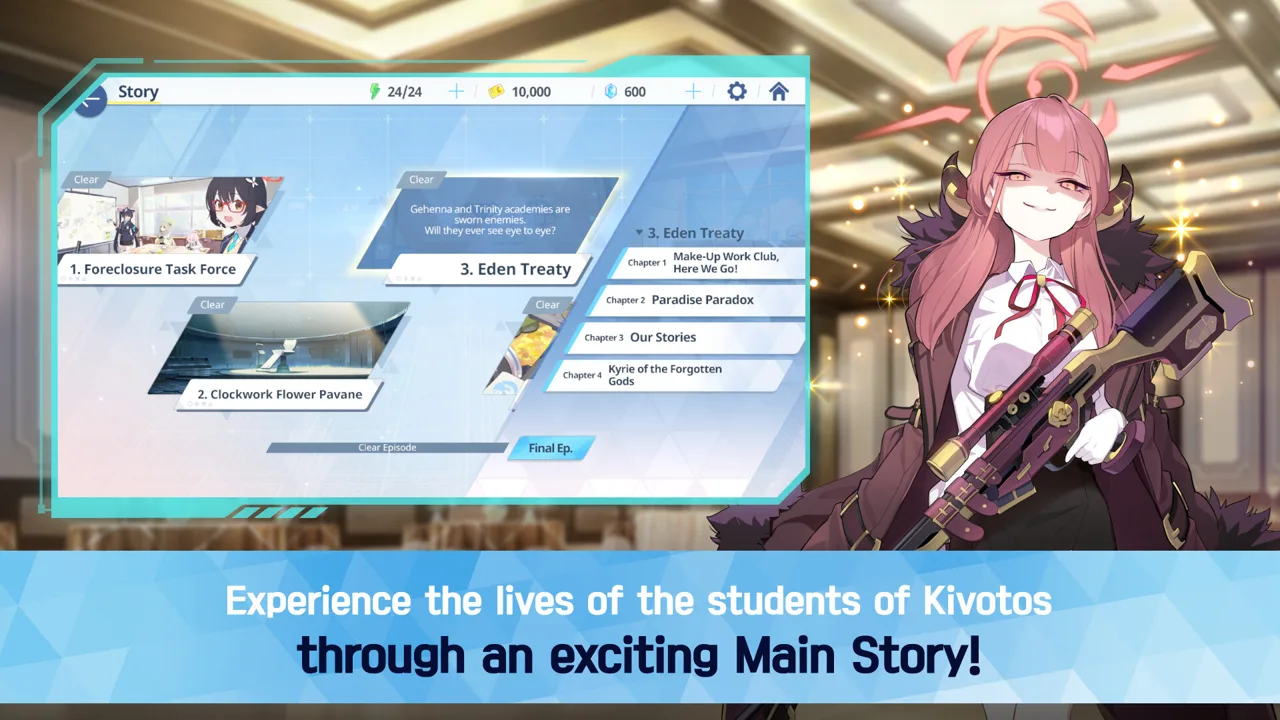
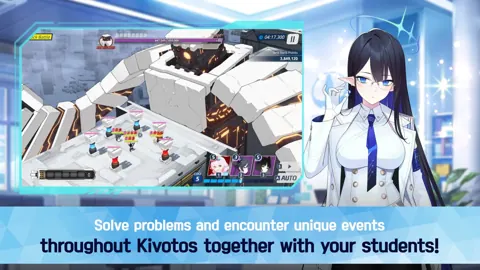
Blue Archive combines squad-based RPG combat with a story centered on your role as Sensei. You'll recruit students through its gacha system, form teams, and work through battles that emphasize strategy and the different combat elements each student contributes.

Build squads around abilities that complement one another, and adjust your formations for the challenges ahead.
Kivotos is a fantasy city of schools, where your responsibilities as a teacher extend into military operations. The story moves between secret missions, club activities, and everyday school experiences. Students have individual motivations and personal stories, with school events and private conversations adding to their characterization. Friendship, loss, resilience, and growth run through the adventure alongside its tactical encounters.
Between battles, character stories give you more time with the students of Kivotos. Relationship episodes and MomoTalk conversations develop their personalities beyond their roles in combat, while 2D and 3D animation carry the larger story. If you're browsing before downloading, watch the story and battle trailers on the Steam page to get a feel for both sides of the game.
The game contains suggestive images and dialogue, and access can be restricted for certain age groups. Keep that content warning in mind when deciding whether it suits the person who will be playing.
Continue with
 Blue Archive Download: Official PC and Mobile GuideFind your Blue Archive download for Windows, iOS, or Android. Explore official download options, PC requirements, supported languages, and game features.
Continue exploring

Blue Archive Gameplay Guide: Combat and Squad Basics
Learn how Blue Archive gameplay works, from real-time battles and six-student squads to skill timing, student upgrades, and MomoTalk relationship stories.
Blue Archive Guide: Beginner Tips for Steady Progress
Start strong with this Blue Archive guide covering mission progress, team matchups, Pyroxene saving, student upgrades, and daily tasks for new Senseis.
Join the community
Official channels for news, updates and player help: