
Blue Archive Guide: Beginner Tips for Steady Progress
Start strong with this Blue Archive guide covering mission progress, team matchups, Pyroxene saving, student upgrades, and daily tasks for new Senseis.
Jump to
Where to Start: Missions, Story, and Guide Tasks
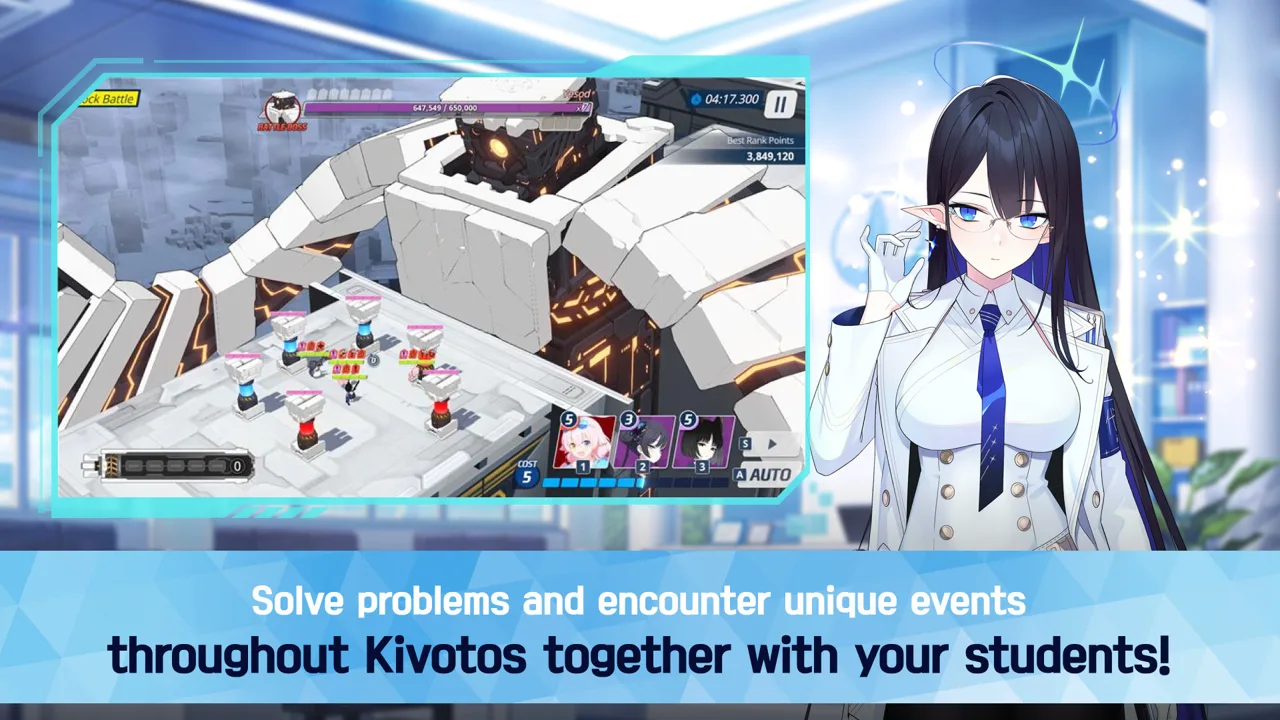
Your early priority is opening more of Kivotos while building a squad that can keep moving. This Blue Archive guide walks you through mission progression, combat preparation, and daily habits that help you use your resources wisely. Start with missions and story episodes, then use guide tasks to learn each feature as it becomes available.
1. Progress through missions alongside the story.
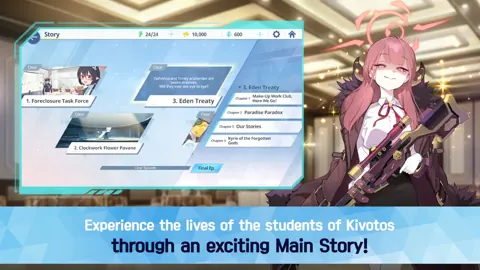
Mission progression unlocks features across your account, while story episodes introduce students and their abilities within the narrative. Both deserve attention: clearing missions opens more activities, and reading the story earns Pyroxenes for recruitment.
When a feature is locked, check its unlock requirement before spending time elsewhere. Avoid building your entire routine around farming an early stage while accessible mission clears still offer progression.
2. Follow guide tasks and explore Episode Recap.
Open the guide-task icon on the home screen and work through the available objectives. Their shortcut buttons take you to the relevant activities; a grayed-out shortcut means that feature is still locked.
Some task steps become available on later days, so revisit the list regularly. Rewards can include Pyroxenes and students.
Episode Recap also gives you access to past event content and previous guide tasks. Watch for its story-spoiler warnings before opening an episode ahead of your current progress.
Build Your Team Around the Enemy
 Image: Steam / NEXON Games
3. Inspect the enemy lineup before choosing students.
Attack types, enemy armor, and terrain affect combat performance. Open the stage’s enemy information and check what your damage dealers will face before deploying.
Use auto assignment as a starting point while learning the roster. Then review the selected students’ attack types and abilities so you understand why the formation fits the stage.
If a team struggles, check the matchup before spending more upgrade materials. A student who performs well in one mission can face an unfavorable matchup in another.
4. Check terrain suitability after the matchup.
Students have different preferences for Urban, Outdoor, and Indoor battles. Review those preferences in their profiles when choosing between students who can fill the same role.
Keep terrain in mind when a stage becomes difficult, but examine the enemy’s armor and your team’s attack types first. Both systems matter when preparing a squad.
5. Take control of skill timing and targeting.
Students attack automatically, but you can manually activate and aim their EX skills. Use that control when an automatic cast misses the enemies you need to hit or spends an ability at an awkward moment.
Before retrying a difficult battle:
- Read the skills of the students you brought.
- Check where an aimed ability will land.
- Adjust your formation if it lacks the damage or support the encounter needs.
Upgrade Students Without Spreading Resources Too Thin
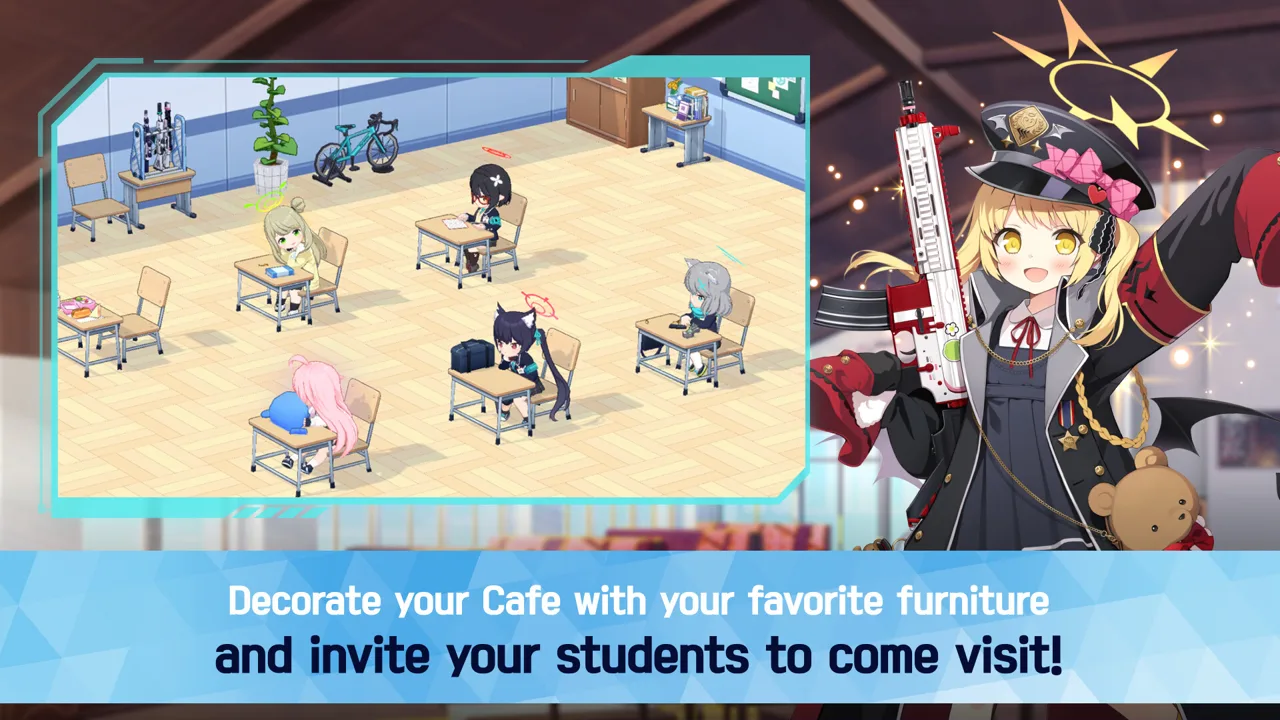 Image: Steam / NEXON Games
6. Keep your active squad within reach of your Sensei level.
Your Sensei level sets the maximum level your students can reach. Spending Action Points, or AP, raises your account level; Activity Reports provide student experience.
Invest in the students you are using to clear missions before distributing reports across your entire roster. If a student has reached the account’s level cap, further student leveling must wait until your Sensei level increases.
Commissions include Base Defense stages for farming Activity Reports. Skills and equipment also contribute to student strength, so inspect those alongside levels when a familiar squad starts struggling.
Hard missions offer student Elephs, which support unlocking students and increasing their rarity. Check the stage rewards before choosing where to spend AP.
Manage Pyroxenes and Repeated Farming
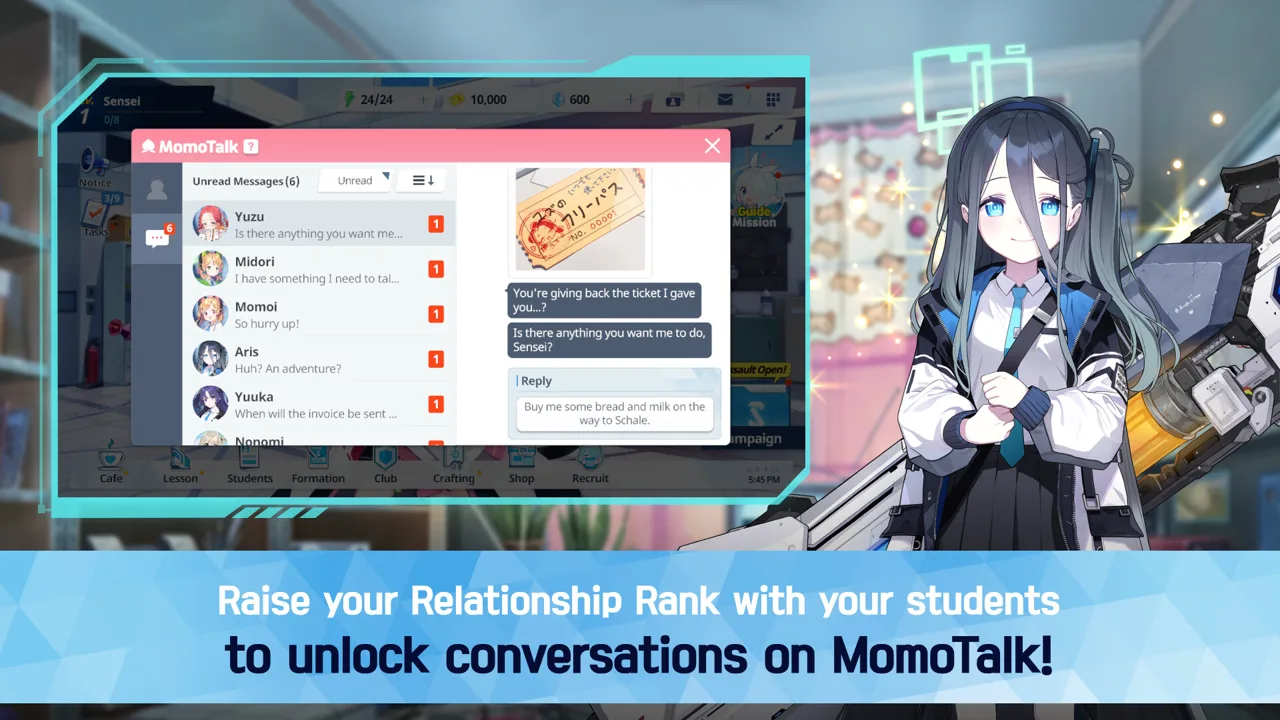 Image: Steam / NEXON Games
7. Save recruitment currency with a target in mind.
Story progress, mission objectives, and guide tasks provide opportunities to earn Pyroxenes. Save toward special recruitment events rather than spending whenever your balance increases.
Check recruitment for a Free label during campaigns offering free pulls. Use those opportunities when available, and read the active recruitment details before committing saved currency.
8. Earn three stars to unlock sweeping.
After earning three stars on a mission, you can sweep it to collect rewards without replaying the battle manually.
Choose stages that drop something you currently need. Sweeping makes repeated farming faster, so inspect the rewards before committing multiple runs.
For a stage missing stars, review its objectives before retrying. Winning the battle alone does not necessarily complete every requirement.
9. Try Tactical Challenge when it becomes available.
Tactical Challenge offers Pyroxenes for reaching new ranks for the first time. Its battles are controlled by the AI, so preparation happens through your team selection.
Use available attempts to explore the mode and pursue attainable rank rewards. Keep progressing your mission squad alongside it.
Make the Café Part of Your Daily Routine
10. Collect resources and choose your invitation deliberately.
The Café generates AP and Credits, but its storage has a cap. Collect those resources regularly so production has room to continue.
Interact with visiting students to build relationships, and use your daily invitation on someone whose relationship rank you want to raise. Café interactions and Lessons help develop those bonds.
Check MomoTalk for relationship episodes as they become available. These conversations expand individual students’ stories, and relationship progression can also provide stat bonuses and unlock lobby scenes.
Getting Started on Windows PC
You can download the game through the Blue Archive Steam page.
- The Windows version is free to play and includes in-app purchases.
- Its Steam release date was Jul 3, 2025.
- Supported options include mouse-only input, subtitle options, and custom volume controls.
For installation, the minimum requirements include a 64-bit processor and operating system, Windows 10, 4 GB RAM, a GeForce GTX650Ti, DirectX 11, and 19 GB of available storage.
Continue with
 Blue Archive Gameplay Guide: Combat and Squad BasicsLearn how Blue Archive gameplay works, from real-time battles and six-student squads to skill timing, student upgrades, and MomoTalk relationship stories.
Continue exploring
Join the community
Official channels for news, updates and player help: